
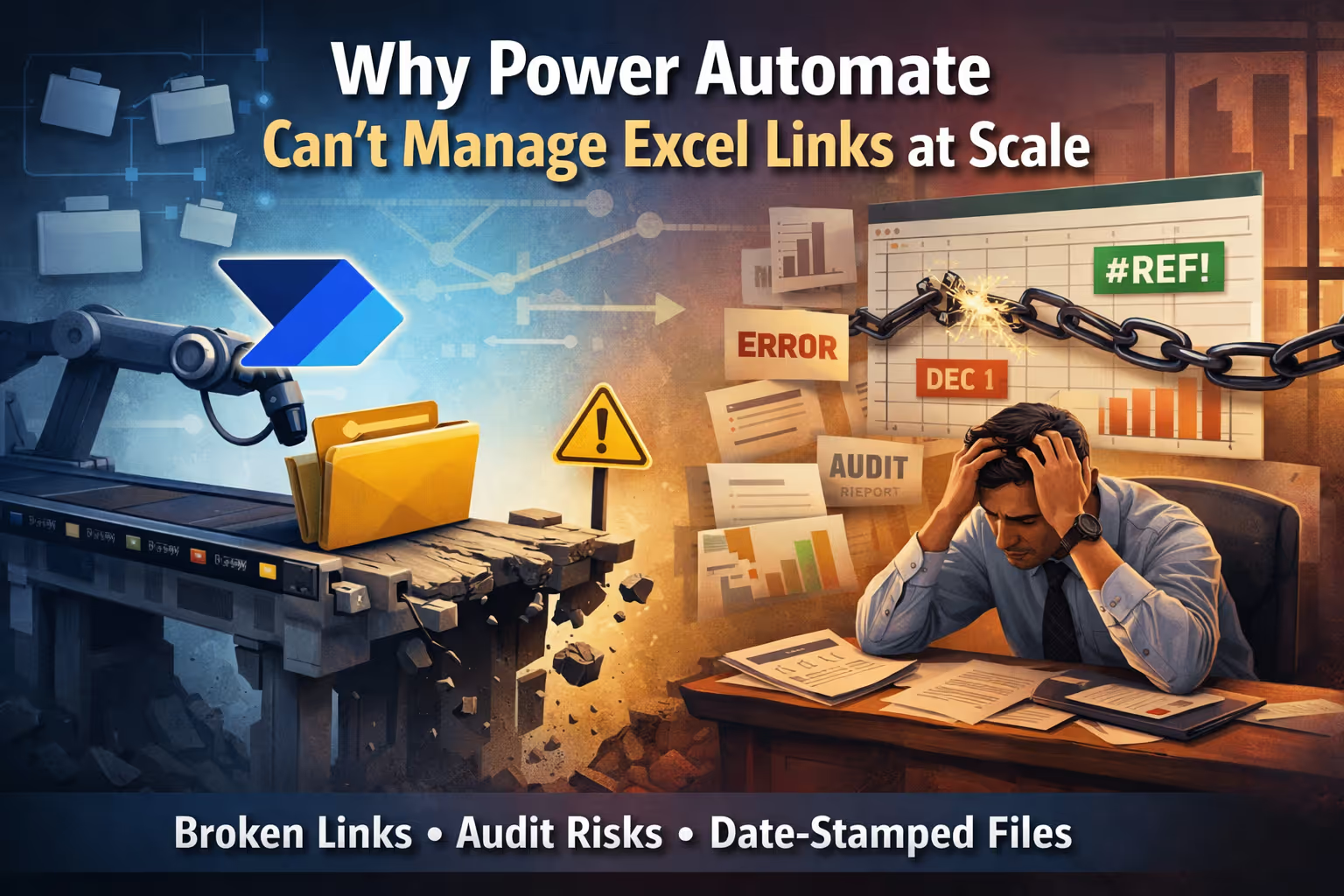
At some point, almost every finance or regulatory reporting team reaches the same conclusion:
“Surely this can be automated.”
The Excel models are already built. The reporting calendar is fixed. Every month or quarter, the same process repeats—copy the prior period’s files, update the date-stamped folders, refresh the links, validate the numbers, and submit.
When teams look around for a tool to automate this, Microsoft Power Automate seems like the obvious answer. It’s part of the Microsoft ecosystem, it can move files, and it promises to remove manual effort.
But this is where a subtle—and costly—misunderstanding begins.
Where the Assumption Breaks Down
Power Automate works extremely well when the problem is about files.
Regulatory Excel models, however, are not just files. They are interconnected systems.
A single reporting workbook might pull data from dozens of other Excel files. Those files, in turn, may reference additional models, historical baselines, or adjustment layers. Over time, this grows into a dense web of dependencies that has to remain stable, traceable, and reproducible.
The links inside those models are not conveniences. They are evidence.
And Power Automate never sees them.
The Reality of Date-Stamped Excel Links
In regulatory reporting, date-stamped file paths are not a naming preference. They are a control.
A workbook that points to:
\\Regulatory\Capital\2024-12\Exposure_Data.xlsx
is making a very specific statement: this report was built using this exact data, from this exact period.
Auditors expect that link to still resolve months or years later. Regulators expect the numbers to be reproducible. Internal risk teams expect that models don’t quietly drift across reporting cycles.
This is why links change every period—and why changing them safely matters so much.
What Power Automate Actually Does
Power Automate operates outside Excel. It does not open a workbook and understand how calculations flow, how links interact, or which dependencies feed regulatory outputs.
What it does understand is stability.
Power Automate works best in environments where a file path stays the same and the data inside that file is refreshed. In that model, the automation is simple: the file remains where it is, downstream workbooks continue pointing to it, and the only thing that changes is the content.
This is exactly how many operational workflows are designed—and it’s where Power Automate excels.
Regulatory Excel models work very differently.
Instead of refreshing data inside a fixed file, each reporting period typically creates new, date-stamped files. The file itself is the record. The path changes intentionally so that last quarter’s submission can always be reconstructed exactly as it was.
From Power Automate’s perspective, this breaks the rules.
When teams try to use Power Automate to “update Excel links” in this environment, they are no longer refreshing data. They are changing the identity of the source files that Excel formulas depend on.
At that point, Power Automate isn’t managing Excel logic—it’s moving or renaming files and hoping Excel reconnects the dots.
Sometimes it does. Sometimes it doesn’t. And Power Automate has no way to tell the difference.
Because it cannot see Excel’s internal dependency structure, any link updates are based on assumptions about where links might exist, not certainty about how the model actually behaves. There is no confirmation that the links resolved correctly, no validation that calculations updated as expected, and no record of what changed inside the model.
That’s why this approach doesn’t scale—and why, in regulated environments, it isn’t verifiable.
The Silent Failure Problem
This is where risk actually creeps in.
Even when Power Automate is introduced, the underlying Excel models still need their data sources redirected every reporting period. The only difference is that the redirection is now indirect.
Because regulatory reporting relies on new, date-stamped files, each cycle requires Excel to be told, again, where its inputs now live. Power Automate does not remove this requirement. It merely shifts it—from a visible Excel action to an opaque file operation.
The same assumptions still exist. The same links still need to resolve. The same dependencies still need to align. None of that work disappears.
From the outside, everything appears successful. The files are in the right folders. The flow completes without error. No alerts are triggered.
Inside the model, however, Excel may still be pointing to a prior period, a partially updated source, or a fallback path that “worked” but wasn’t intended. Because Power Automate cannot validate Excel’s internal link state, these conditions are not detected.
The risk is not that something breaks loudly.
The risk is that nothing breaks at all.
In regulatory reporting, that is the most dangerous outcome: a model that looks correct, runs cleanly, and quietly pulls data from the wrong period.
Why Auditors Care About Link Lineage
When an auditor reviews a submission, they are not just checking totals. They are assessing control.
They want to understand how data flowed into the final numbers. They want to see that each reporting period was built from the correct sources and that prior submissions can still be reconstructed exactly as they were.
Power Automate provides no record of Excel dependency changes. There is no inventory of links, no historical snapshot of what pointed where, and no way to demonstrate that a model hasn’t drifted over time.
From an audit perspective, that’s not automation—it’s opacity.
Excel Link Automation Is Not Workflow Automation
This is the core misunderstanding.
Power Automate is a workflow tool.
Excel link management is a model governance problem.
To manage links safely at scale, especially in regulated environments, you need to be able to see inside the workbooks. You need to understand dependencies, validate updates, and preserve historical states. You need confidence that when a reporting period changes, the model changes intentionally, not accidentally.
No amount of file movement can provide that.
The Takeaway
Power Automate isn’t failing because it’s a bad tool. It’s failing because it’s being asked to solve the wrong problem.
When Excel models become the backbone of regulatory reporting, their links become part of the control framework. Treating those links as simple file paths introduces risk that often only surfaces during audits—or worse, after submission.
Excel link automation requires visibility, understanding, and validation at the model level. Anything less is guesswork dressed up as efficiency.